How to upload a profile picture
To upload a profile picture to your Tools' account,
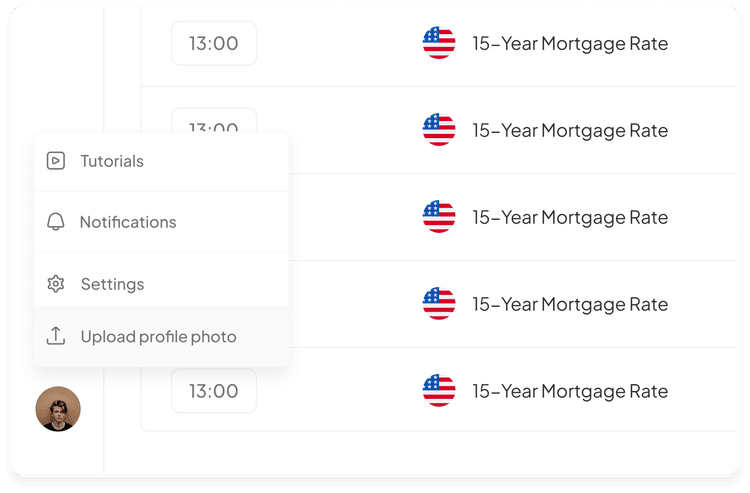
- Click the circle at the bottom left of the screen
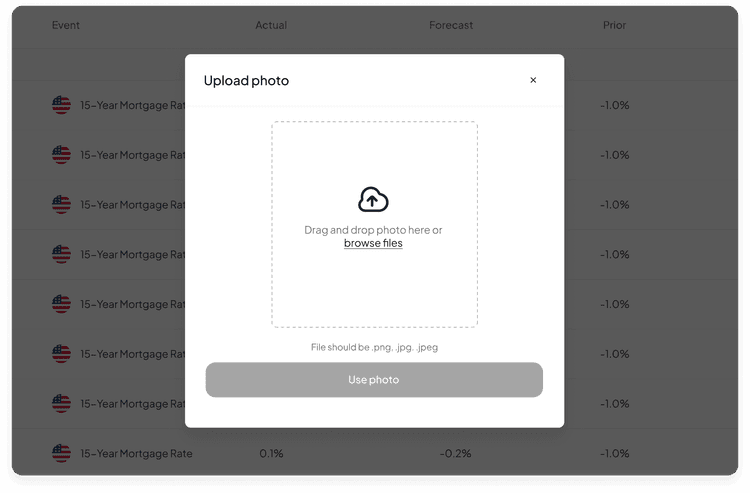
- Then, click 'Upload profile photo'
- Select the desired picture on your device (the accepted formats are PNG, JPG, and JPEG)
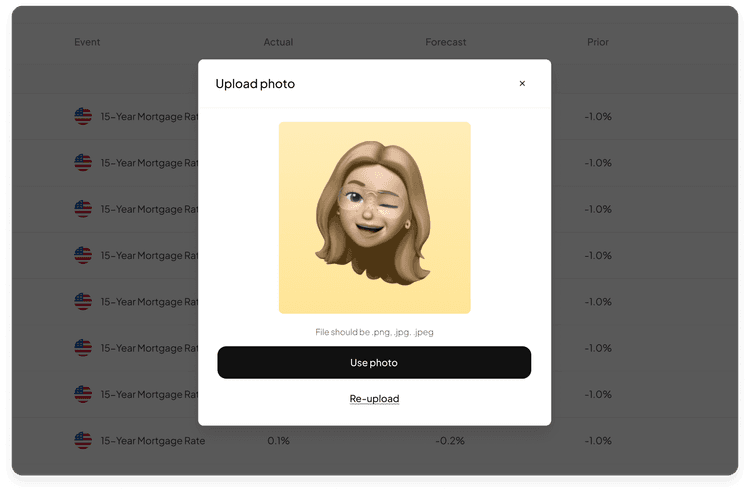
- Once done, click 'Use photo'