How to filter the economic calendar
There are two ways you can filter the calendar – by time, and by impact and country.
To view the economic calendar, simply click the calendar icon on the top right corner of the page. It's the second one, from left to right.
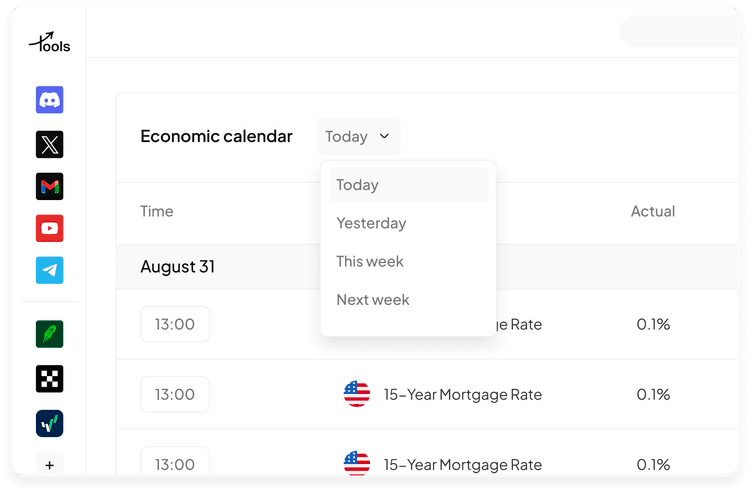
If you want a different time range, you can click the calendar icon on the right and pick the start and end dates.

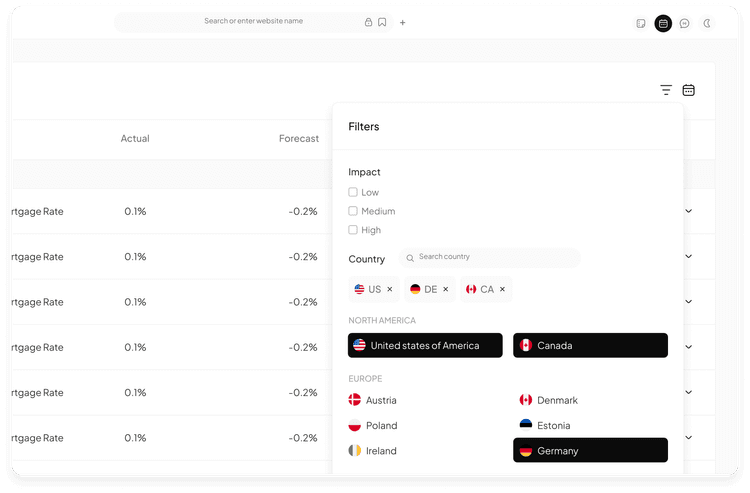
The second one is to use the advanced filter to filter impact and countries.
Within Economic calendar, at the top right, you will click the filter icon, and then check the type of events you want to see. The calendar will automatically filter the data as you check the boxes and select the countries.